
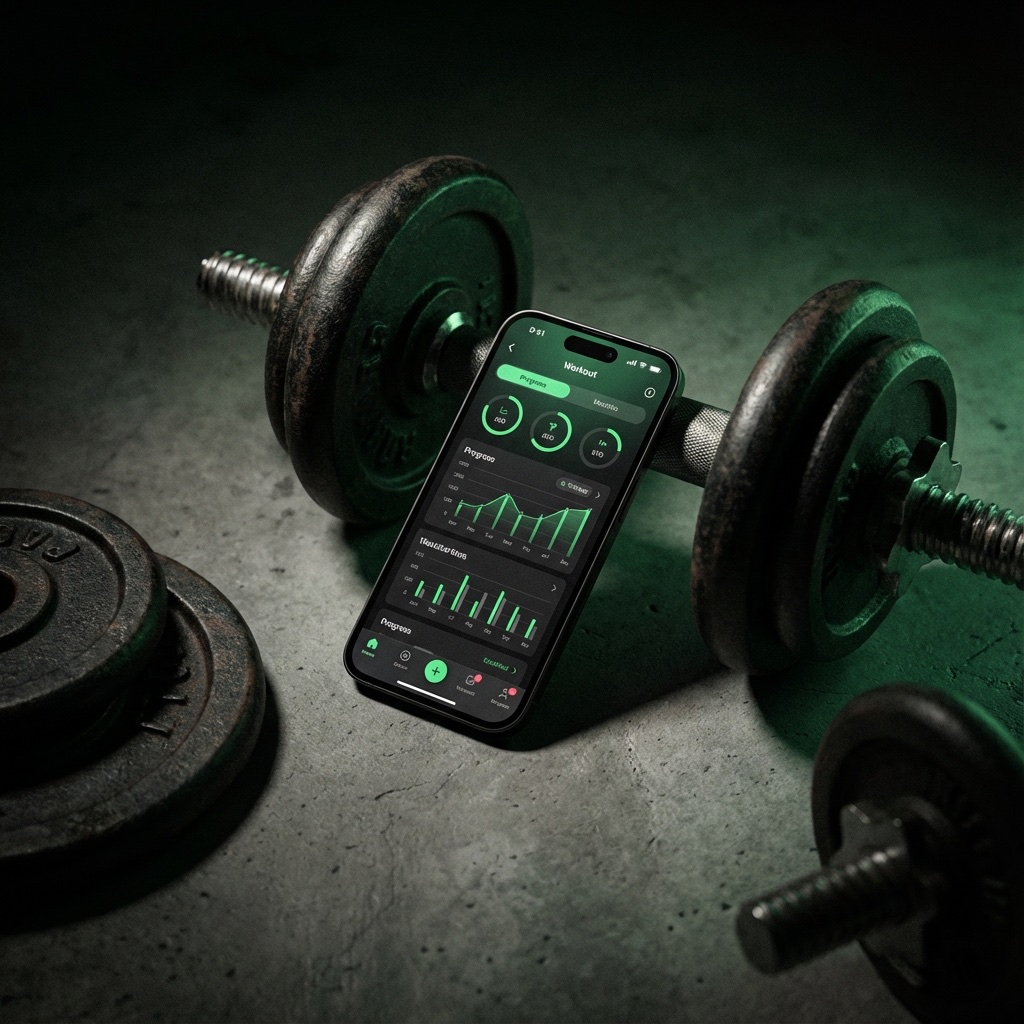
The Best App to Track Weightlifting Is Built Around Progression
The best app to track weightlifting is not the one with the longest feature list. It is the one that helps you answer one question quickly: what do I need to do today to make progress?
Weightlifting is measurable. Load, reps, sets, rest periods, volume, exercise selection, and personal records all leave a trail. A useful weightlifting tracker app turns that trail into a clear next step. A weak tracker stores data but still makes you think like an accountant between sets.
That distinction matters. When you are training hard, you do not want to scroll through old workouts, calculate whether 185 x 8 beats 175 x 10, or wonder if your bench volume has quietly doubled. You want the app to surface the information that changes the next set.
What a Weightlifting Tracker App Should Do
A general fitness app can count calories, steps, classes, streaks, and habits. A weightlifting tracker has a narrower job: make resistance training easier to log, review, and progress.
1. Log Sets in Seconds
If logging a set takes too long, you will eventually stop doing it. The best app for tracking lifts should let you record weight, reps, set type, and notes with minimal friction. Speed is not just a convenience feature. It protects consistency.
Look for a set logger that keeps the current exercise, previous numbers, rest timer, and next target in the same flow. Every extra screen creates another chance to skip the log.
2. Show What You Need to Beat
Progressive overload is simple in theory: do more useful work over time. In practice, it gets messy. You might add weight, add reps, improve technique, shorten rest, add sets, or improve range of motion.
A strong progressive overload tracking app should make those comparisons visible. It should show your last set, best set, recent trend, and realistic target before you perform the next attempt.
3. Track PRs Without Turning Every Set Into a Max Test
Good lifters care about PRs, but they do not max out every week. A useful tracker should recognize different kinds of personal records: estimated one-rep max, rep PRs, volume PRs, and exercise-specific bests.
This helps you see progress even during hypertrophy blocks where the goal is not a new single. A set of 10 with cleaner form can matter just as much as a heavier triple.
4. Make Volume Easy to Audit
Training volume is one of the easiest variables to lose track of. A few extra sets here, a new accessory there, and suddenly your shoulders are getting twice the work your back is getting.
The best weightlifting tracker app should show weekly sets by muscle group, total volume load, recent workload changes, and exercise distribution. You should be able to spot imbalances before they turn into plateaus or cranky joints.
5. Support RPE, RIR, and Notes
Numbers alone do not tell the whole story. A 225 lb squat for five reps means something different if it was smooth at two reps in reserve versus a grinder with soft depth.
RPE, RIR, and short notes give context to the log. They help you separate real strength loss from a bad sleep night, poor setup, rushed warm-up, or an overly ambitious jump in load.
Notebook, Spreadsheet, or App?
There are three common ways to track lifts: paper, spreadsheets, and apps. All can work. The right choice depends on how much structure you want and how quickly you need feedback during training.
Notebook
A notebook is flexible and distraction-free. It is also manual. You have to flip pages, compare sessions yourself, and build your own system for volume, PRs, and trends. This works for lifters who enjoy the ritual and already know what to look for.
Spreadsheet
A spreadsheet is powerful for planning. It is less comfortable on the gym floor. It can calculate volume, percentages, and progression rules, but quick set logging from a phone usually feels clunky unless you have spent time building a custom sheet.
App
A dedicated track lifts app is best when it combines speed with interpretation. You get the convenience of mobile logging plus automatic workout history, personal records, trends, and reminders about what to beat.
Mistakes to Avoid When Choosing a Lifting App
Choosing a Social App When You Need a Training Tool
Social features can be motivating, but they can also pull attention away from training. If your goal is hypertrophy, strength, or consistent progressive overload, the app should make the workout clearer, not louder.
Prioritizing Exercise Count Over Exercise Quality
A huge exercise library sounds impressive. It only helps if the app also makes your core lifts easy to repeat, compare, and progress. Most lifters make most of their progress with a relatively stable set of movements.
Ignoring Export and Data Ownership
Your training history gets more valuable every year. Before committing to any gym progress tracker app, check whether you can export your data and keep a durable record of your training.
Overlooking Rest Times
Rest periods change performance. If one week you rest 90 seconds and the next week you rest four minutes, your sets are not directly comparable. A good tracker keeps rest timing close to the logging flow.
Where Gainz Pro Fits
Gainz Pro is built for lifters who care about the numbers that actually drive progress: sets, reps, load, volume, PRs, rest periods, and repeatable routines. The goal is not to turn training into homework. The goal is to make the next useful action obvious.
If you are choosing the best app for tracking lifts, use this filter: does the app help you train better during the session, or does it mostly create a nice-looking record afterward?
Gainz Pro is designed for the first version. Log the set. See the target. Keep the workout moving. Review the trend later when it is time to adjust the program.
The Lifter-First Checklist
Before you commit to a weightlifting tracker app, make sure it checks these boxes:
- Fast set logging that does not interrupt rest periods
- Previous set and previous workout visibility
- Progressive overload cues for load, reps, and volume
- Personal records by exercise and rep range
- Weekly training volume and muscle group balance
- RPE, RIR, and notes for context
- Templates for repeatable routines
- Clean history search for exercises and workouts
- Data export or clear data ownership
Frequently Asked Questions
What is the best app to track weightlifting?
The best app to track weightlifting is the one that combines fast logging with useful progression feedback. For serious lifters, prioritize previous-set visibility, progressive overload tracking, PR history, volume trends, and clean workout templates.
What should a weightlifting tracker app measure?
At minimum, track exercises, sets, reps, load, rest periods, workout history, personal records, and training volume. Advanced lifters should also track RPE, RIR, notes, and muscle group workload.
Is a weightlifting app better than a notebook?
A notebook can work, especially for experienced lifters. A weightlifting app becomes better when you want automatic comparisons, volume trends, PR tracking, and less mental math during workouts.
The Bottom Line
The best app for tracking lifts is not the one that does everything. It is the one that makes the right thing easy while you are training.
If your goal is to build muscle, get stronger, and make progressive overload part of every session, choose a tracker that gives you immediate clarity: what you did, what you need to beat, and how your training is trending over time.
That is the standard Gainz Pro is built around: focused weightlifting tracking for lifters who want their logbook to push the next set forward.