
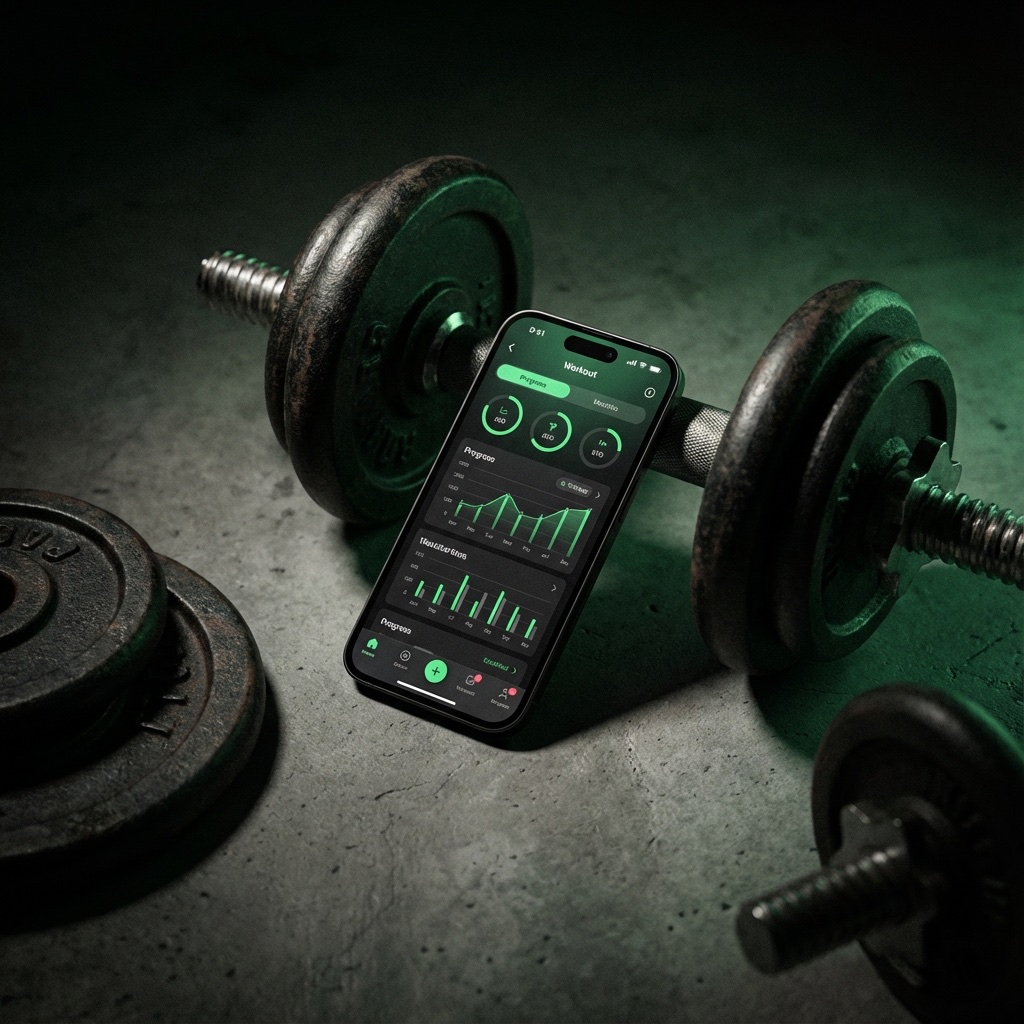
A workout tracker is more than a digital notebook: it gives you the history needed to apply progressive overload, a central principle for building muscle and strength over time.
The Science: Why Data Drives Muscle Growth
Progress depends on knowing what training stimulus you have already completed. Without a record, comparing sessions relies on memory. A gym log preserves the weight, reps, sets, and effort from your last workout so you can choose a deliberate target for the next one.
Key Metrics to Track
- Weight × Reps × Sets — Total training volume is a useful way to compare workload between sessions.
- Personal Records (PRs) — 1RM tracking shows objective strength progression over months.
- Rest Periods — Consistency in rest times ensures comparable session-to-session data.
- RPE/RIR — Rate of Perceived Exertion helps you autoregulate intensity intelligently.
How a Workout Tracker Makes Overload Automatic
The best progressive overload trackers show your last session's numbers right when you need them: as you're about to start a set. No flipping through notebooks, no memory games. You see "185 lbs × 8 reps" and you know your target is 185 × 9 or 190 × 8. This removes friction and makes progressive overload nearly automatic.
Beyond the Numbers: Building Accountability
Tracking creates accountability. When you see two weeks without a PR, it prompts honest self-assessment: Is my sleep off? Am I eating enough? Did I skip the difficult exercises? This feedback loop accelerates learning about your body's response to training.
Read more: How Much Volume is Enough? | Hypertrophy Training 101
Start tracking with Gainz — see your progress clearly →Make your next workout count.
Log sets fast, track progressive overload, and know what to beat next.
iOS 17+ · Offline workout logging